






UP Mini 3
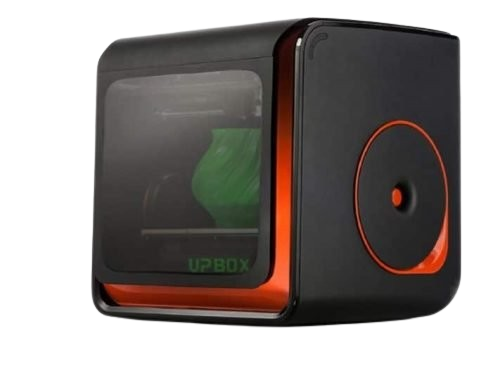
A New look for the UP Mini3
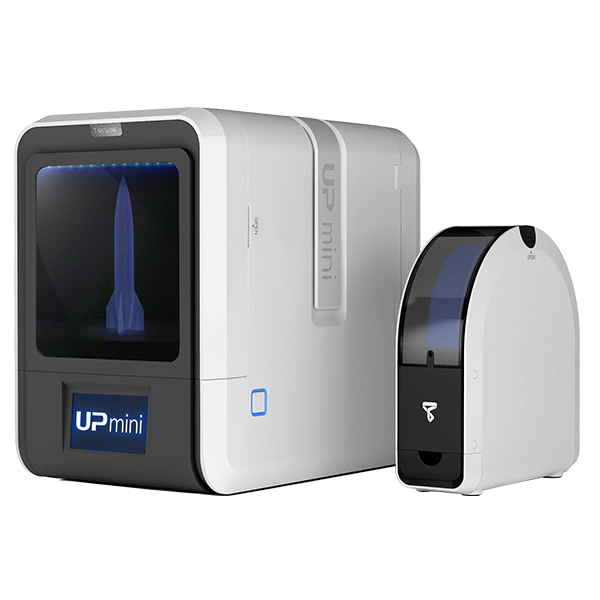
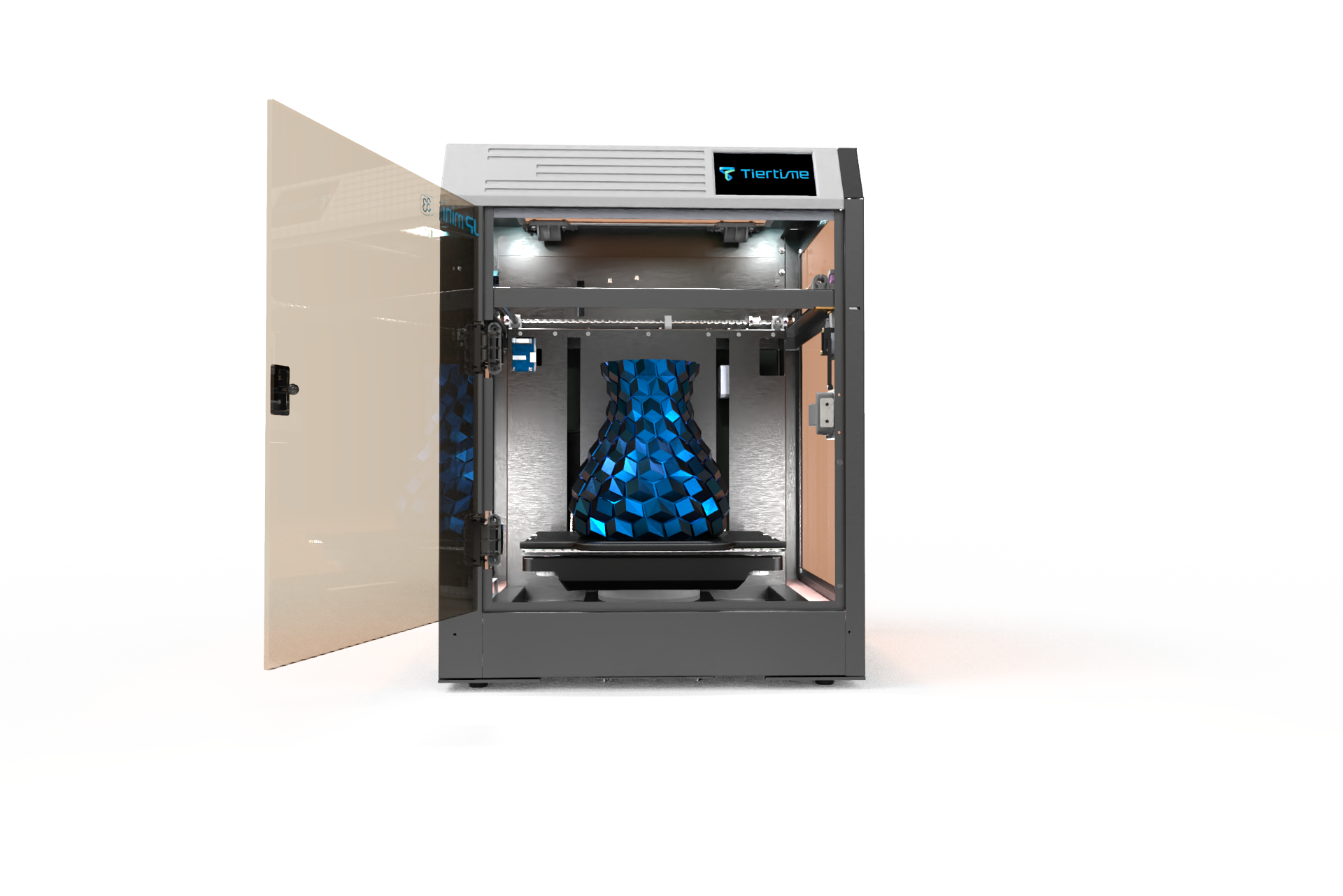
Designed with the classroom in mind, the all-new UP Mini 3 not only has a new look, but it also has made crucial upgrades with bigger build plate, true auto calibration and filament runout protection.
True Auto Calibration
based on Load Balancing
The new bed leveling mechanism is based on the concept of load balancing. It also means there are no more nozzle height adjustments, everything is calibrated with a simple touch of a button.
Let UP Mini 3 take care of the rest so that you can experience greater 3D printing accuracy.
Door Pause Protection
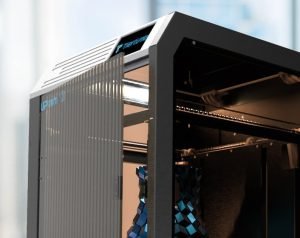
Children are full of curiosity and, let’s face it, very excitably impatient sometimes. Kids prematurely opening 3D printer’s door during a print is like the 3D printing version of “Are we there yet?” during a car ride. With UP Mini 3’s smart door pause protection any time the door is opened the printer will pause mid-printing, so their little fingers will be kept safe from any moving parts inside the printer as it is operating.
A perfect printer for Schools and Families
Dual Filtration Systems
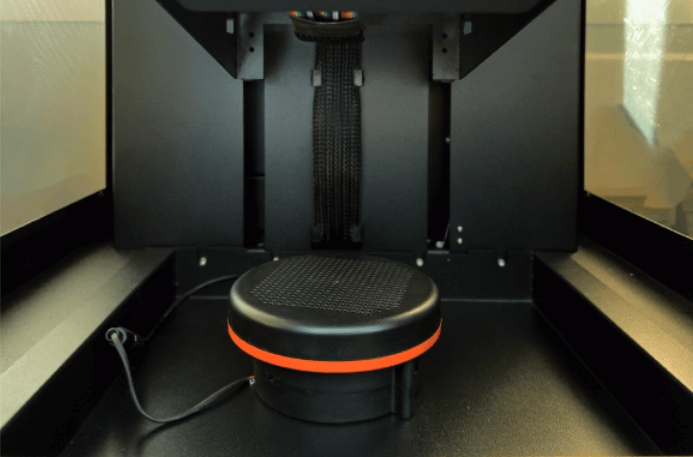
Another way to keep it safe to use the UP Mini 3 in the classroom and in the home is effective filtering systems. Like its big brother the UP 300, the UP Mini 3 has two filtration systems to ensure the absolute purity of airflow around the printer. A HEPA and activated carbon filter combined with higher airflow capacity allows the maintaining of minimal UFP and VOC density inside the printer’s large enclosure.
66% larger build volume
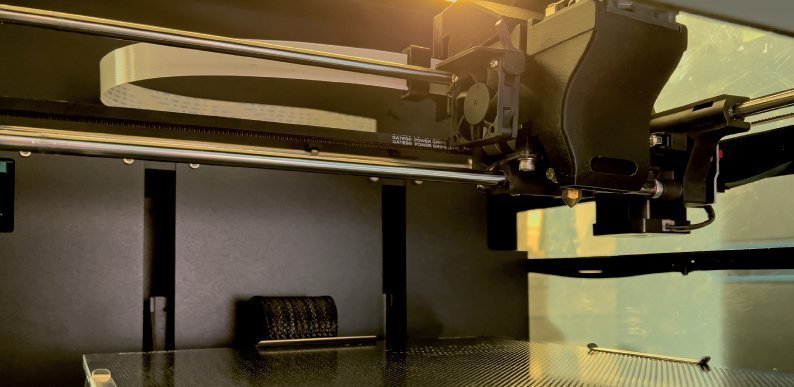
Enjoy a larger printing workspace with the UP Mini 3. The build volume has been increased from 120 x 120 x 120 mm to 200 x 200 x 200 mm.
Tiertime Print Queue
The new Tiertime print queue allows for multiple users on the network can become the queue’s administrator, controlling and re-ordering the print queue. Select the next file from the print queue when with the printer, minimising downtime and letting you make faster than ever before!
Stable build platform
Similar to the UP 300, the UP Mini 3 now has a sliding rail system in the build platform. Slide the plate into the rail guide for secure printing and reduce prints from lifting.
Related products
$2,564.35 excl GST
$5,216.52 excl GST
Price range: $2,015.00 through $4,220.00 excl GST
Select options This product has multiple variants. The options may be chosen on the product page